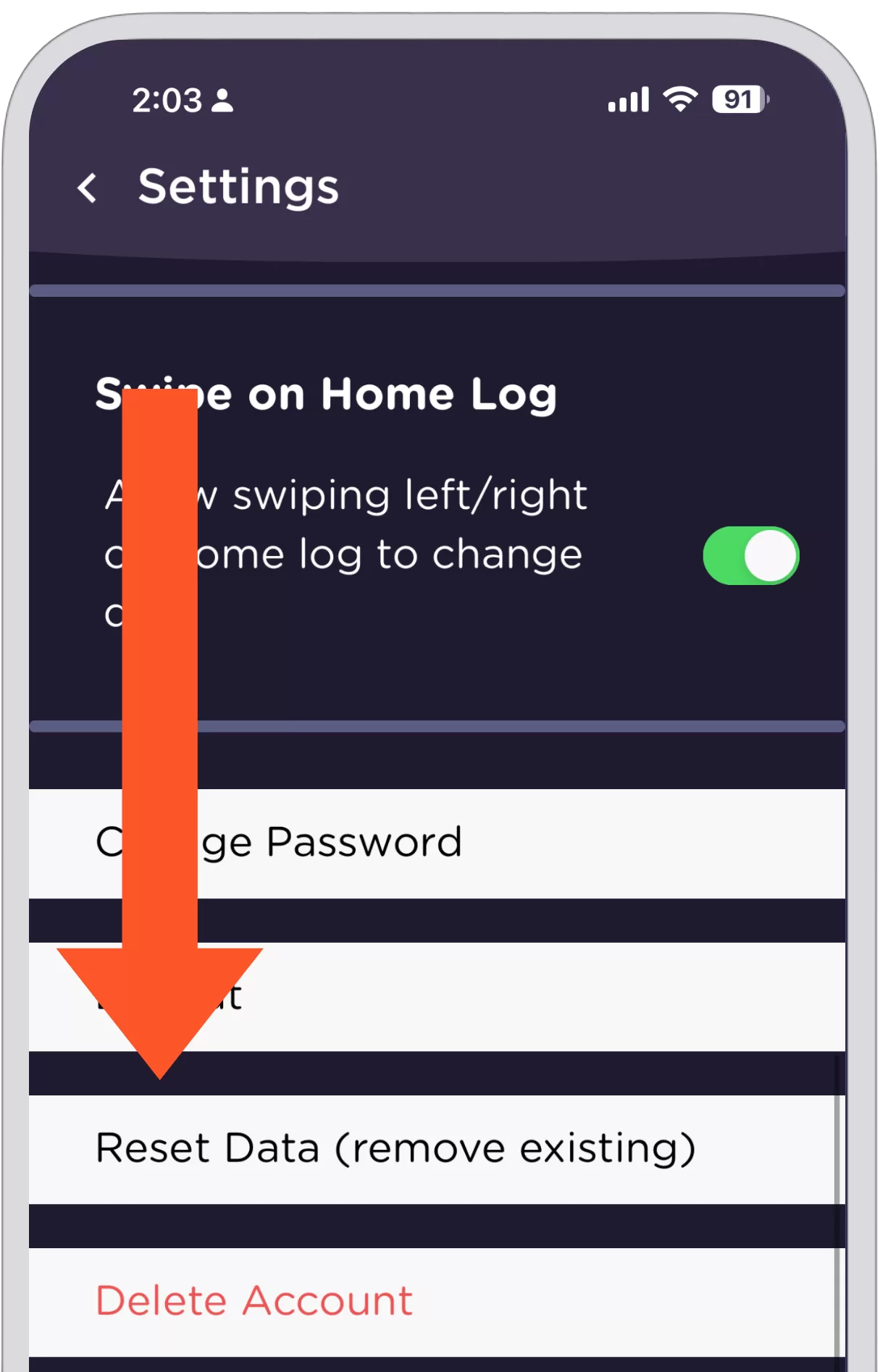
Table of Contents How to Reset Your DataIt can be helpful to have a restart. Let’s look at how to do that. This is in the ‘More’ tab, ‘Settings’ area. In the More tab, there’s a gear icon on the top left. Click that gear icon.This opens the Settings page. Next, scroll down to ‘Reset Data.’ How it Works – Resetting Data This deletes all data that you added. And, all data added by automatic trackers. Basically, anything that shows up on your log – this removes it. All scoring is reset because there’s no data to score. This can be very helpful if you want a fresh start. Note that we cannot recover data that is deleted. So, use with caution. Questions? [email protected]We’re here to help!