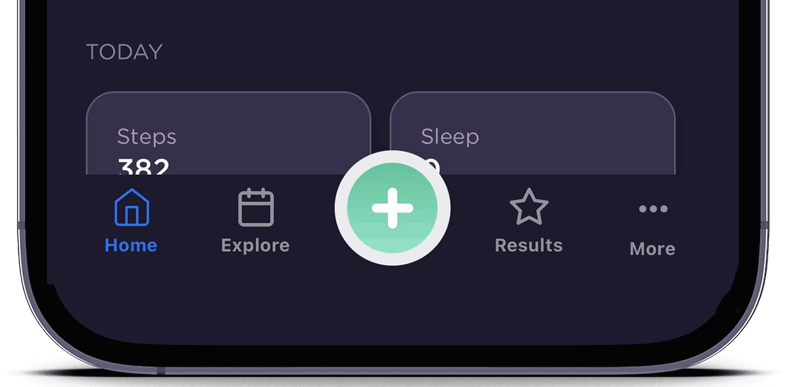
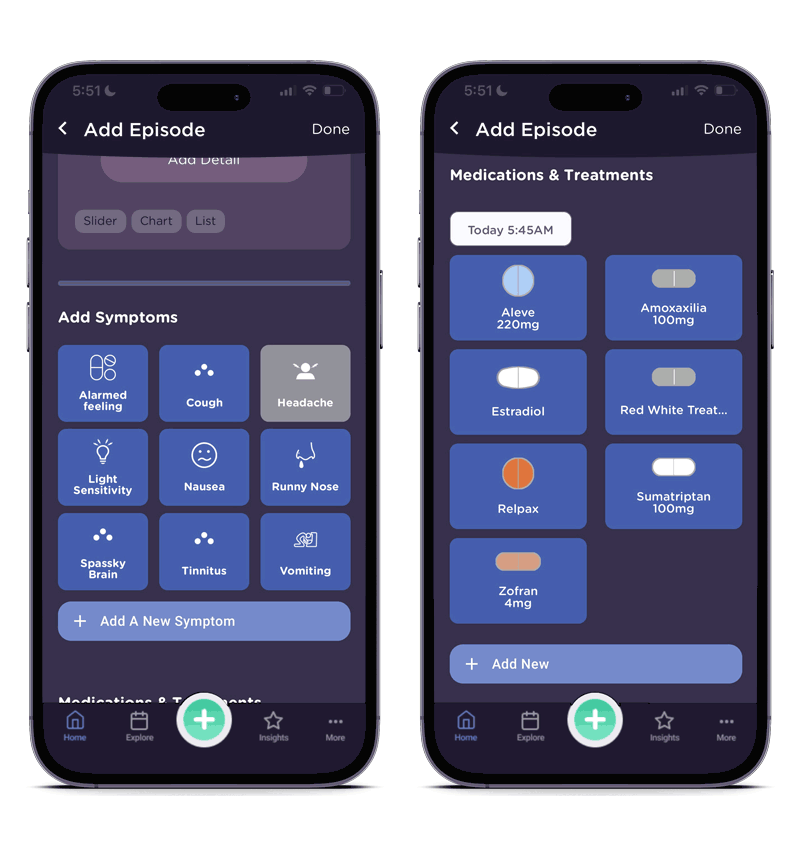
Adding a migraine starts with the big green plus. Or, if your log is empty, there’s a big ‘Add Episode’ button near the top.
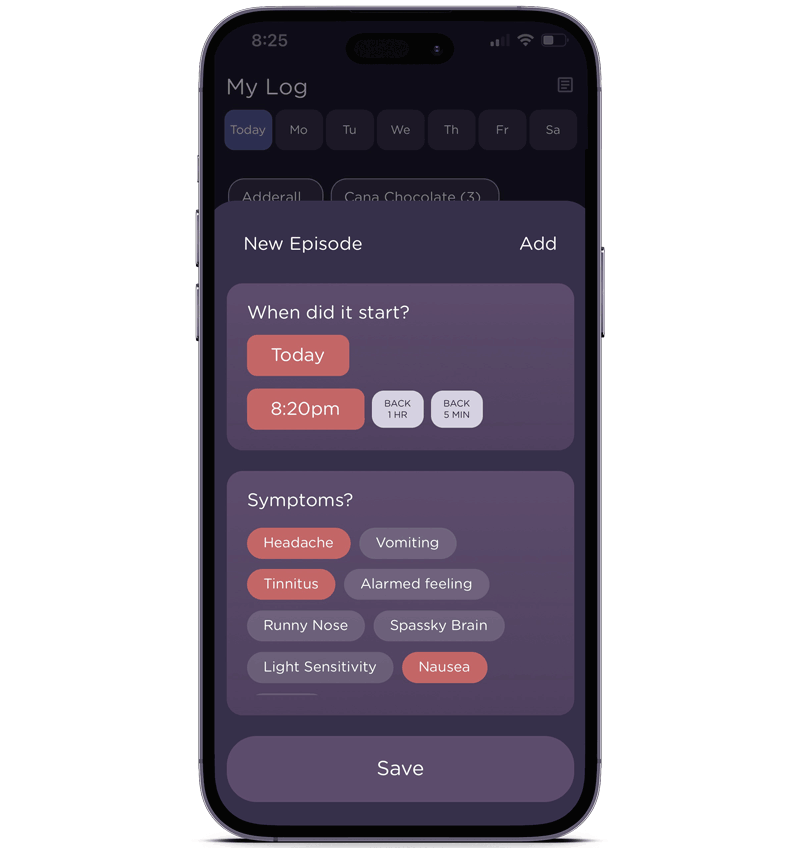
Choose Start Time and Symptoms.
Make your selections and add an episode.
Add as much detail as you like – or, come back later.
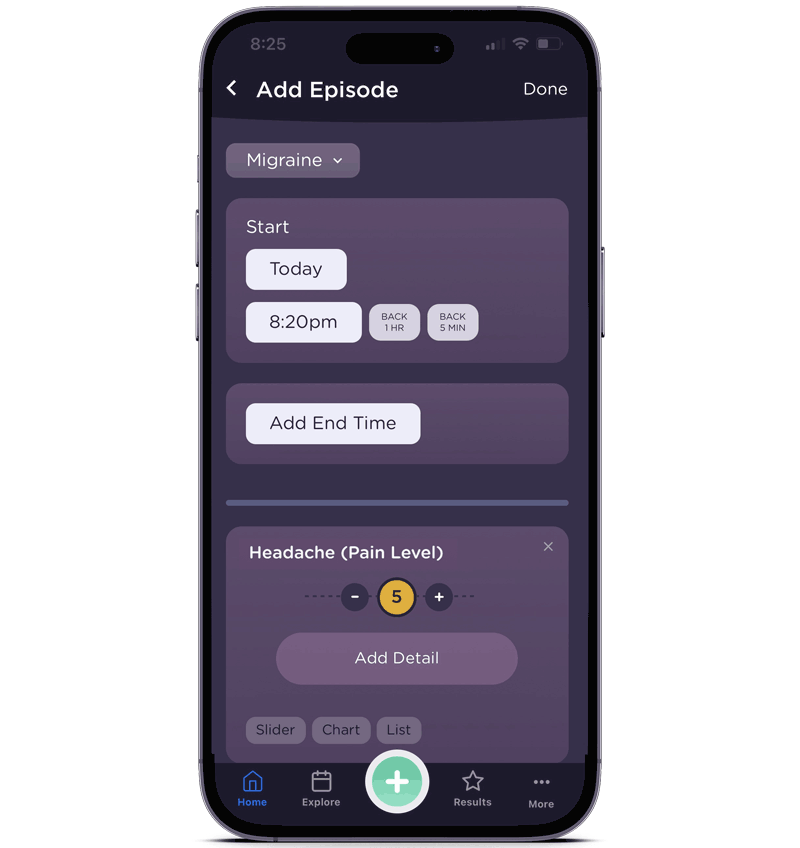
You can add an end time and adjust the headache pain level.
Add pain and other important details
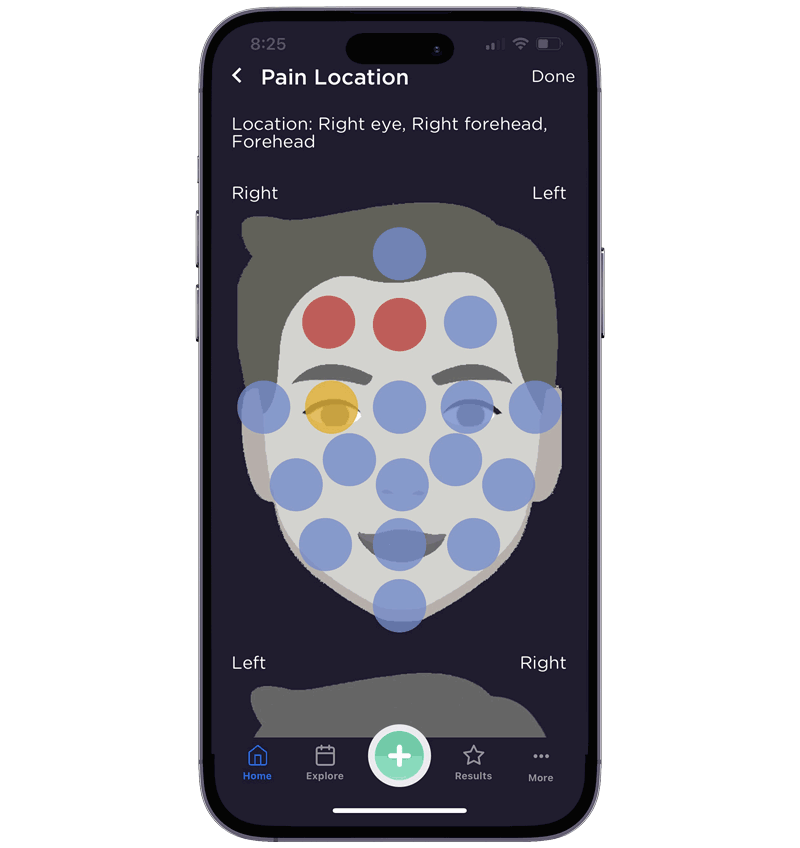
The pain map lets you record where pain happens.
To get to the pain map – On the ‘Headache’ symptom, touch ‘Add Detail’ and there’s a ‘Pain Map’ icon. That will open the screen where you can see the face and put in the head pain location(s).
Add Symptoms and Medications
Scroll down to add symptoms. And, add medications and treatments.